

Aesthetic Clinic Software: What Should It Include?
Compare aesthetic clinic software using practical criteria for scheduling, specialists, services, online bookings, and client visit history.
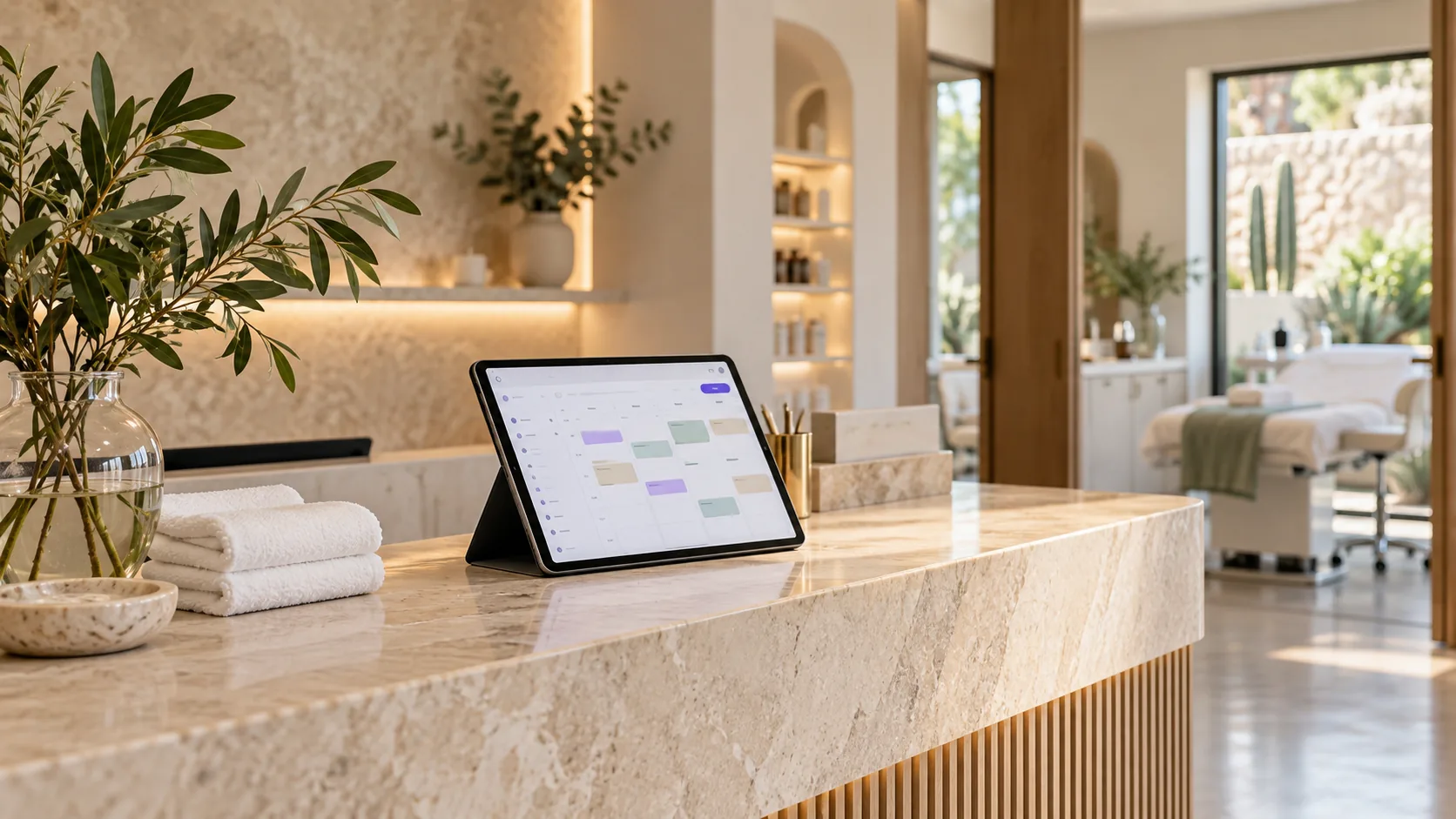
Aesthetic clinic software should help coordinate appointments, services, team availability, and operational details for each visit. Before choosing a platform, check that its schedule reflects how your clinic works and separately identify what tool stores clinical records, if you need one.
This guide covers practical criteria for comparing scheduling and management tools. Approntix organizes appointments and service operations; compare its medical clinic solution with the administrative workflow you need.
What aesthetic clinic software should handle
Services with different durations
Set up each service with its duration, price, and scheduling requirements. Account for preparation or cleanup time between bookings, too. If a treatment has multiple stages, check how the system represents each time block so the availability shown to clients stays realistic.
Do not compare tools only by how many bookings they accept. Try a typical week using your most common services and see whether the team can spot gaps, back-to-back appointments, and schedule changes quickly.
Specialist availability and assignment
The schedule should show who can perform each service and when they are available. Check how easy it is to assign an appointment, review workload by person, and handle an absence without losing context about affected bookings.
If several team members offer the same service, define assignment rules before migrating. This helps you see whether the system can support a balanced schedule or depends on manual steps the team may not keep up with.
Online booking and clear policies
A public booking page or link can let clients reserve without waiting for a reply in chat. Check which services appear, what information the form collects, and how changes, cancellations, and deposits are explained. Approntix public booking links and landing pages connect online reservations with appointment operations.
Make the cancellation policy easy to find before booking. If you collect deposits, explain the amount and terms clearly; this guide to online booking deposits can help you define the process.
Visit history and client context
Your team may need to review previous services, preferences, and operational notes to provide consistent service. Verify who can access those details, how they are updated, and whether they stay linked to the right appointment. Approntix includes client management to keep operational history close to bookings.
If your clinic needs medical records, prescriptions, or other clinical features, confirm that the provider offers them and meets your requirements. An appointment calendar does not replace a clinical system by itself.
A quick checklist for comparing options
| Criterion | What to check in a demo |
|---|---|
| Scheduling | Duration, availability, changes, and cancellations |
| Team | Service assignment and specialist workload |
| Booking | Listed services, requested details, and confirmation |
| Clients | Operational history and team access |
| Management | Reports and visibility you will actually use |
| Clinical scope | Medical features and requirements to validate separately |
How to test a system before deciding
Set up three representative services, two specialists’ schedules, and a typical week. Try an online booking, a reschedule, a cancellation, and a client history lookup. Then ask another team member to repeat those steps without instructions.
Note how long each task takes and where questions come up. A suitable tool should make daily operations clearer; a long feature list matters less than a workflow your team can maintain.
Approntix brings scheduling, staff, and client management together for appointment-based businesses. Review appointment scheduling and compare it with your clinic’s administrative needs.
Frequently asked questions
What should aesthetic clinic software include?
At a minimum, look for scheduling by service and specialist, configurable duration, client details, appointment changes, and a clear view of activity. Clinical features depend on the type of care and should be checked separately.
Can a general appointment calendar work for an aesthetic center?
It can if it represents the center’s actual services, timing, team availability, and policies. Test it against a real operating week before migrating.
Does appointment software replace a medical record system?
Not necessarily. Ask the provider whether it offers medical records and meets your clinic’s requirements; a client profile is not automatically a medical record.