

How to choose appointment software for a business
A practical checklist for comparing appointment software based on your schedule, team, payments, customers, and growth plans.
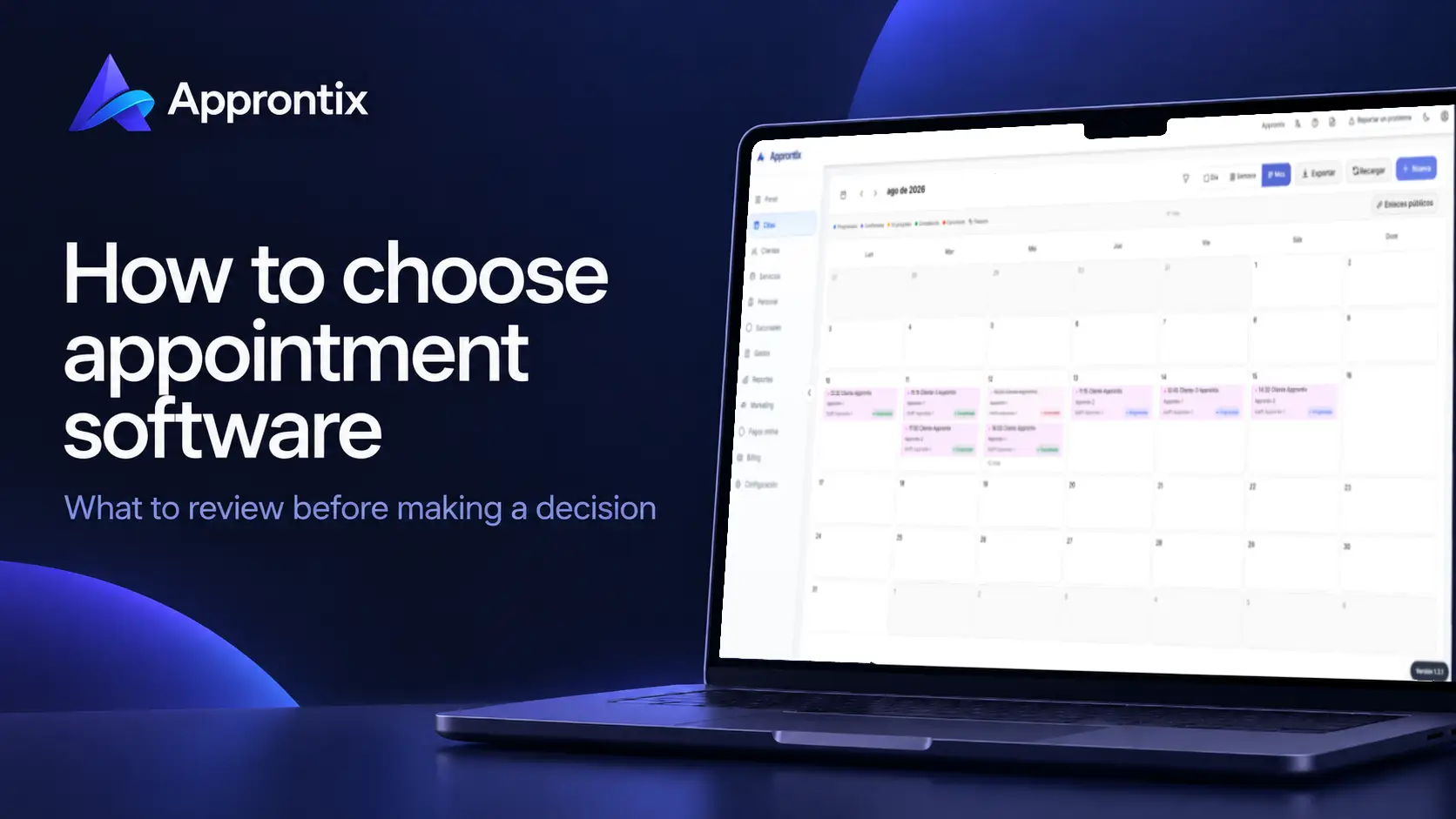
Choosing appointment software is not simply replacing a calendar. The right tool should help you operate better now and still fit when bookings, staff, or locations grow. When comparing options, look at the full workflow—not only a feature checklist.
Start with your operation, not the tool
Write down how you work now: appointments per week, service providers, whether you schedule by chair, room, or other resource, and the steps from a request through completed service. Also note where time is lost: confirmations, changes, payments, follow-up, or reporting.
That lets you tell the difference between an attractive feature and one that solves a real operational problem. A solo business does not evaluate software the same way as a clinic with staff or multiple locations.
Review these seven criteria
1. Schedule and availability
The platform should show the calendar clearly and allow you to create, move, or cancel appointments with minimal friction. Look for day, week, and month views, staff assignment, and conflict prevention.
2. Customers and services
A booking is more useful when it retains customer context. Look for customer records with past visits, services, useful notes, and contact details. Your service catalog should also reflect durations and providers so availability is accurate.
3. Online bookings and communication
Ask how bookings enter the system: can you share a link, do customers see current availability, and do they receive confirmations? If your customers use WhatsApp, consider how it supports communication without forcing you to run the calendar in chat.
4. Payments and booking policies
If you need online payments or deposits, verify that the flow is clear for both customers and staff. Check how payment status is linked to an appointment and how it can be reviewed later. Read fees, terms, and refund rules before deciding.
5. Team, permissions, and locations
Shared visibility matters as more people participate. Evaluate staff assignment, access controls, and location separation when needed. Do not pay for a large structure too early, but avoid software that forces a migration as soon as the team grows.
6. Reports that support decisions
Reports should answer specific questions: completed appointments, popular services, revenue movement, and team activity. Ask to see the available views; an attractive dashboard is not always actionable.
If you need a starting set of indicators, use this guide to appointment business metrics when testing each tool’s reports.
7. Support, price, and clarity
Compare total cost, not only the initial price. Confirm limits for appointments, customers, users, and locations; online payment charges; and cancellation terms. Make sure support and documentation are available in the language your team needs.
Test a real week before you migrate
Before moving your whole operation, create a few services, add team members, and reproduce a typical week: new bookings, a reschedule, a cancellation, and a payment. If that workflow is confusing in a test, it will be harder when every appointment depends on it.
Approntix brings together scheduling, customers, services, staff, payments, and reporting for appointment-based service businesses. Use the same criteria to evaluate Approntix and any alternative against the needs of your operation.
Frequently asked questions
What should basic appointment software include?
At minimum, a reliable schedule, customer records, a service catalog, and an organized way to create, change, and review bookings. Payment, marketing, reporting, and permission needs vary by business stage.
Should I choose Mexican appointment software?
Choose the option that fits your customers, payment methods, support language, and operation. Assess those requirements explicitly rather than deciding only by the tool’s country of origin.
When should I move from a manual schedule to software?
When scheduling conflicts, manual follow-up, team coordination, or uncertainty about each appointment become frequent. You do not need to wait for those issues to become major losses.