

How to collect deposits for online bookings smoothly
Learn how to set deposits, explain your policy, and collect online booking payments without unnecessary customer friction.
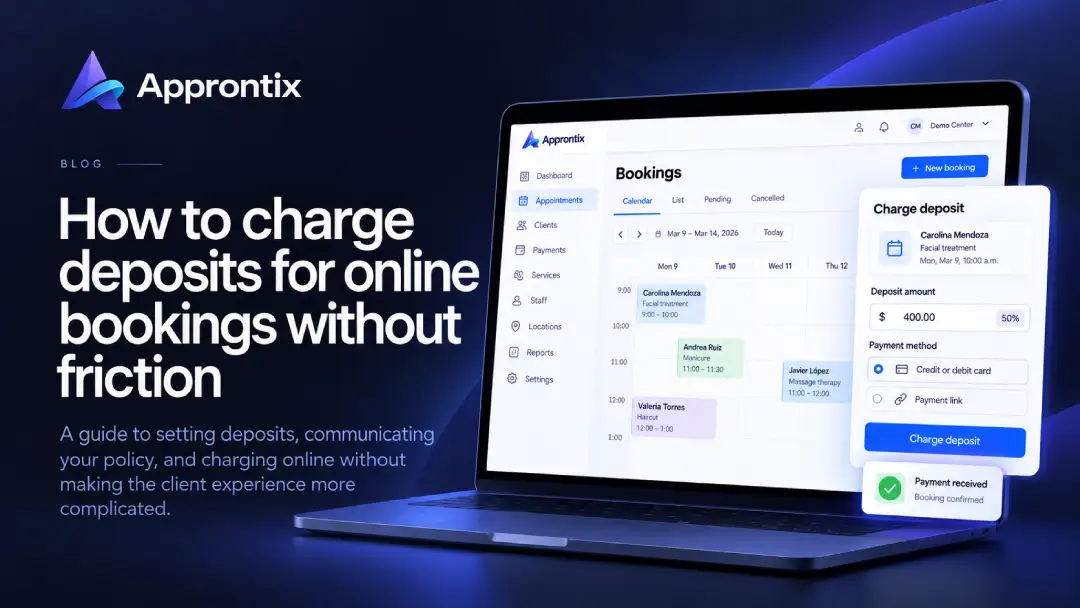
An online booking deposit can protect valuable time, prepared materials, or a professional’s capacity. But when it appears too late, is poorly explained, or makes payment confusing, it can cause customers to abandon the booking.
The best deposit policy is proportionate, visible, and simple to follow.
Decide which bookings need a deposit
You do not need one for every service. Start with the bookings that have the highest opportunity cost: long sessions, treatments requiring preparation, busy time slots, or work involving materials reserved for one person.
Write a rule your team can explain in one sentence. For example, selected services require an initial payment that is applied to the total at the appointment. Avoid deciding amounts differently from one customer to another.
Choose a reasonable amount
A deposit should reflect the cost of holding the slot; it should not automatically become the entire service price. You can set a fixed amount or a portion of the price based on your service catalog.
Check two things before publishing it: customers can understand the amount, and it is meaningful enough to create commitment. Document the rule by service so the team does not have to calculate it from memory.
Explain the policy before asking for payment
Near the booking step, state how much is charged, that it applies to the service total, when customers can cancel or reschedule, what happens to the deposit in each case, and how they receive confirmation. Do not hide these terms in a long message after the transaction.
Keep payment and schedule connected
A paid booking should be identifiable without checking screenshots or chat threads. When your schedule, customers, and payments live in separate places, mistakes tend to surface while confirming a booking or closing the day.
Approntix centralizes appointments, public booking links, and online payments in one workflow. That makes it easier to review a booking’s status and respond with context instead of manually reconciling information.
Plan for changes and cancellations
A useful policy explains alternatives, not only what a customer loses. When a cancellation happens within the stated window, many businesses let the deposit move to a new date. For late cancellations, be explicit beforehand about whether there is a fee or whether the amount cannot be transferred.
Keep room for exceptional situations, but document changes so the outcome is fair and does not depend on who answered the message.
Review the impact and adjust
After introducing deposits, monitor missed appointments, completed bookings, and common customer questions. A decline in bookings may mean the amount, timing, or explanation creates friction. Continued no-shows may point to reminders or rescheduling instead.
The goal is not to charge earlier for its own sake. It is to reserve capacity clearly and create a reliable experience for both sides.
Frequently asked questions
Is a deposit the same as paying for the full service?
Not necessarily. A deposit is an initial amount used to confirm a booking and is usually applied to the total service price. Make any remaining balance clear.
Should I refund a deposit when a customer cancels?
That depends on the policy communicated before the booking was accepted and on the circumstances. The cancellation window and rescheduling options should be clear from the start.
How can I avoid mistakes when collecting deposits online?
Use a flow where payment is tied to the booking and the result is confirmed automatically. Keeping scheduling, customer information, and payment status together reduces manual checking.