

Beauty salon software: a guide to choosing it
Learn what to review in beauty salon software: scheduling, services, specialists, online booking, client history, and payments.
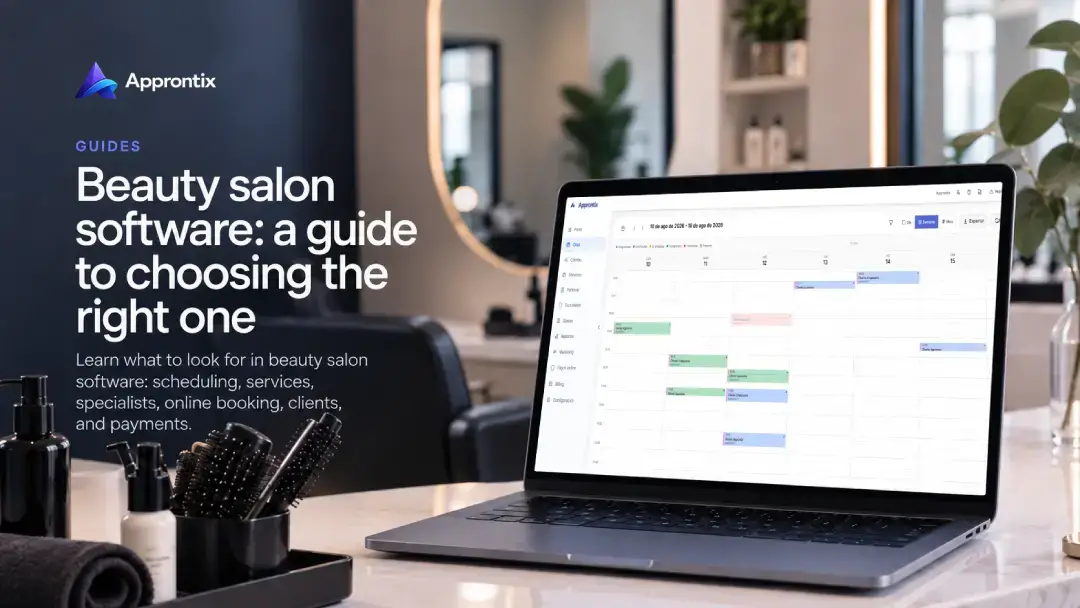
Choosing beauty salon software means making sure the calendar reflects the real operation: services with different durations, specialists with their own availability, repeat clients, and last-minute changes. A digital schedule is more useful when it keeps that context together rather than simply replacing a calendar.
These criteria help a beauty salon, hair salon, or aesthetic business compare its options.
If you are already evaluating a platform to implement, visit Approntix appointment software for beauty salons. This guide focuses on how to compare before choosing.
Map services, specialists, and resources
Start with the services you already sell. Note the duration, price, person who can deliver it, and any resource that limits capacity, such as a treatment room or station. Combined services deserve extra attention: when they require several steps or specialists, the calendar should show what time is blocked and who takes part.
A good system prevents a time slot from looking available when there is no qualified person or space to serve it. Before evaluating extras, test how service management connects the catalog to scheduling and team availability.
What the software should handle
A calendar that is easy to read and update
The daily view should let the team identify services, responsible specialists, and appointment status without opening several screens. Check that creating, moving, and cancelling a booking is simple and that changes are visible to everyone who needs them.
Online booking with clear rules
Public booking can reduce wait time for people who want a slot outside business hours. Review which services can be booked, when schedules close, and what information the form asks for. With public booking links and landing pages, a salon can share a direct path to booking without relying on a conversation for every request.
Client records that follow each visit
Beauty services are often recurring. Reviewing past visits, preferences, and practical notes at the time of service improves continuity and makes follow-up easier. Look for a system that keeps client information close to the appointment, not in separate files.
Team, permissions, and locations
A salon with several specialists needs to organize who can edit the calendar, deliver services, or review activity. If there is more than one location, confirm that the setup can separate schedules while retaining visibility by location. Not every business needs this layer on day one, but it is worth knowing how it will work as the team grows.
Payments and deposits when they fit
A deposit can help with longer or high-demand services. That decision depends on your policy, not the tool; however, payment should remain connected to the booking and clients should understand the conditions before confirming. Read our guide to collecting online booking deposits.
Test with a real salon week
Do not test with made-up data. Create common services, add two specialists’ actual schedules, and simulate a week that includes a new booking, reschedule, and cancellation. Then ask someone on the team to find an appointment, view a client record, and change a time.
If the process is difficult in a small test, it will be harder once the full schedule is active. The best option is not the one that promises the most; it is the one that makes your actual operation clearer.
Approntix connects scheduling, clients, services, staff, and reports for appointment-based businesses. Use it as one comparison point and validate the flow before moving your salon calendar.
Frequently asked questions
What should software for a hair or beauty salon include?
A dependable calendar, service catalog, team schedules, and client records are the foundation. Online booking, payments, permissions, and locations become more important as the operation grows.
Can I keep using WhatsApp with a digital schedule?
Yes. Chat can remain a customer service channel. The difference is that availability and bookings are recorded in one central calendar instead of being reconstructed from messages.
When should a salon move from a manual calendar to software?
When schedule conflicts, missed changes, manual follow-up, or uncertainty about appointment status become frequent. You do not have to wait for these problems to affect many bookings.