

Barbershop appointment software: what to look for
What to look for in barbershop appointment software: barber schedules, services, online booking, client history, deposits, and daily operations.
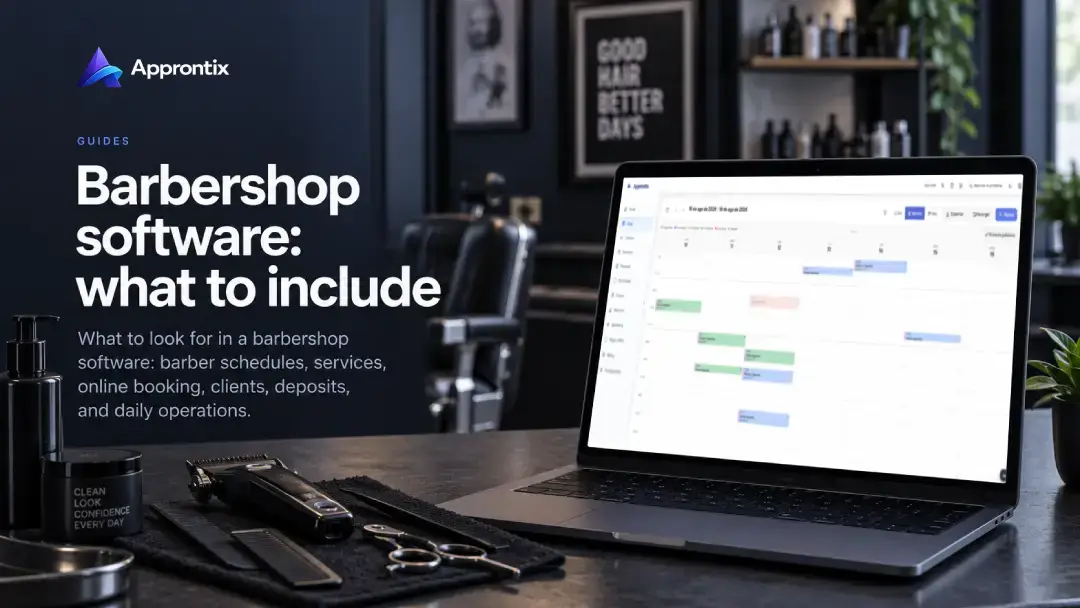
Barbershop appointment software should organize more than open time slots. It should connect each barber to the services they offer, keep client history available, and make it clear what happens when an appointment changes or is cancelled. The right option depends on how your shop works, not on the longest feature list.
This guide covers the criteria worth reviewing before choosing scheduling software for a one-person shop or a larger barber team.
If you are already comparing an implementation-ready option, see Approntix appointment software for barbershops. This guide focuses on the decision criteria first.
Start with a real appointment flow
Walk through a typical day before comparing platforms. Consider how a booking arrives, how a client chooses a service and barber, what happens when someone is late, and how payment is recorded after the service. That journey shows whether you need an individual calendar, a shared team view, or both.
List services with different durations as well. A haircut, beard trim, and combined package should not automatically block the same amount of time. When service duration and responsible staff are configured correctly, the availability clients see is closer to what the shop can really handle.
Capabilities that matter for a barbershop
Scheduling by barber and service
Look for a calendar that makes it easy to see who is handling each appointment and when. It should let the business connect services to the person delivering them, move a booking without losing context, and prevent schedule conflicts. If the team works different shifts, availability should change without rebuilding the week manually.
Online booking without losing control
A booking link can reduce repetitive availability messages and let a client select an open time. Check which services can be displayed, how far in advance people can book, and how confirmations are handled. Public booking links keep that request connected to the same scheduling flow instead of requiring the team to re-enter every conversation.
Client history for repeat visits
History does not need to be complicated to be useful. Previous visits, frequent services, and practical notes give the team context even when a client sees a different barber. Client management connected to the schedule keeps that information out of scattered chats and notebooks.
Deposits and cancellation policy
For long services, high-demand time slots, or bookings that need preparation, a deposit may make sense. The payment and appointment should stay connected, while the policy remains clear before a client pays. See how to collect deposits for online bookings without making the process harder for clients.
Questions to use when comparing options
- Can the business configure the duration, price, and responsible barber for every service?
- Can clients select a barber, or can the shop assign the booking?
- How are appointments confirmed, rescheduled, or cancelled?
- Where does the team find client history and notes?
- What happens to a deposit when an appointment moves?
- Will the calendar remain understandable when more barbers or locations are added?
You do not need the largest platform from day one. You do need one that lets you grow without re-entering clients, services, and schedules in another system.
Test scheduling software with a real week
Set up two or three real services and your team’s actual hours. Then simulate an online booking, a reschedule, a cancellation, and a payment. Ask someone on the team to find a booking and update it. If the flow takes extensive explanation in a small test, it will be harder once the whole shop relies on it.
Approntix brings together appointment scheduling, services, clients, staff, and public booking for barbershops that want one operating flow. Compare it against your day-to-day needs and choose what makes the work easier.
Frequently asked questions
Does barbershop software work for a solo barber?
Yes. It can show availability, preserve appointment context, and reduce manual follow-up. Team permissions, assignment, and locations become more relevant as the business grows.
Is it better than booking only through WhatsApp?
WhatsApp can still be useful for client conversations. Appointment software centralizes availability and history so the calendar does not depend on reviewing every chat. Read the full WhatsApp scheduling vs appointment software comparison.
What should a client see while booking?
At minimum: service, duration, date, time, and, when relevant, the person providing the service. They should also understand how to confirm or change the appointment.